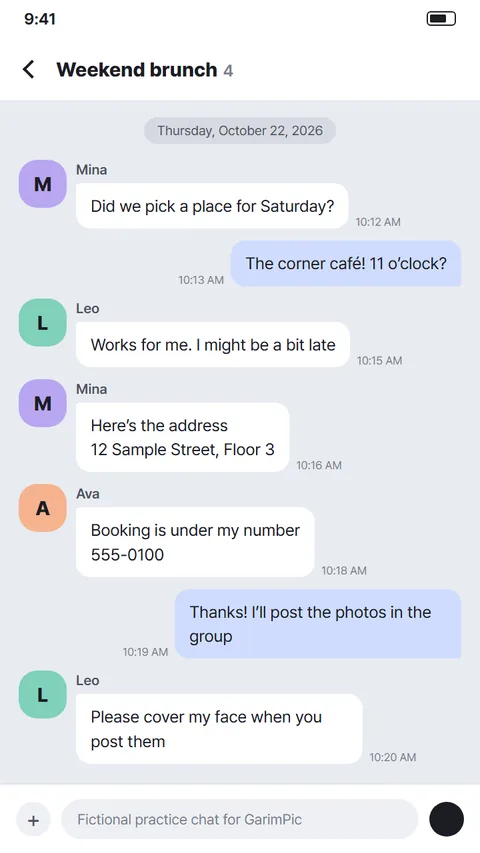
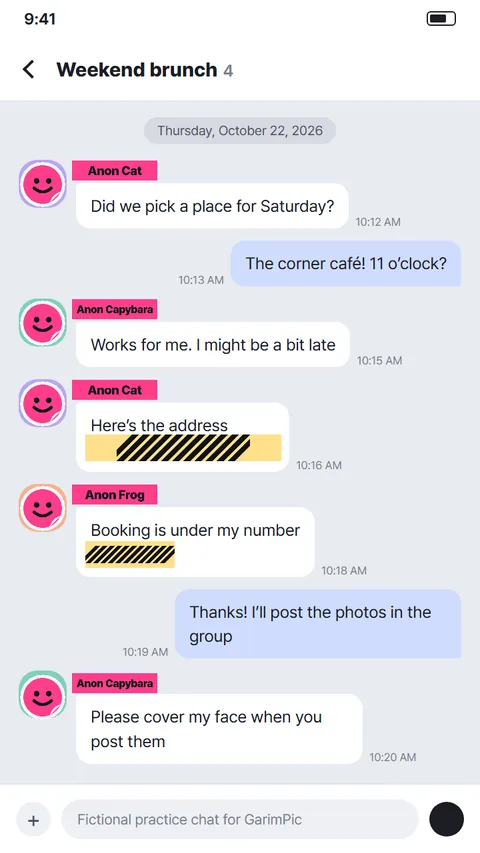
Chat screenshots
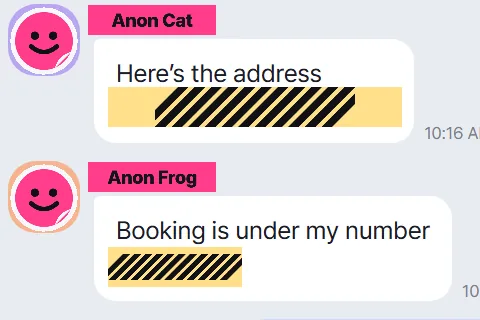
A sticker on each picture, an "Anon Cat" label on each name. Screenshots are by hand, not automatic.
Try it on this chat →Cover faces and private details
Find faces automatically. Cover names and plates by hand.
Free, no sign-up · Runs on your device

Screenshots, group shots, blog posts. Everyone and every chat shown here is made up.
A sticker on each picture, an "Anon Cat" label on each name. Screenshots are by hand, not automatic.
Try it on this chat →
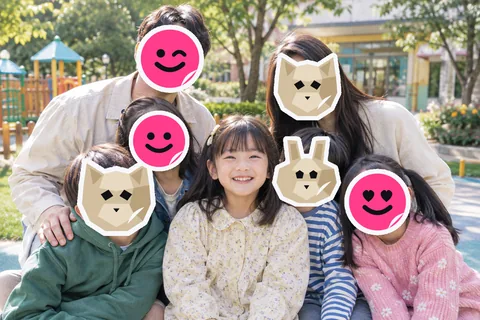
Keep your kid, sticker everyone else. Before it goes to the class chat.
Cover a group photo →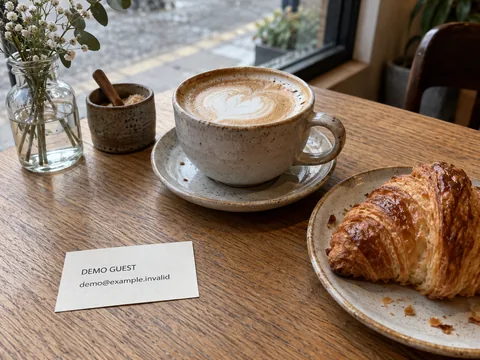
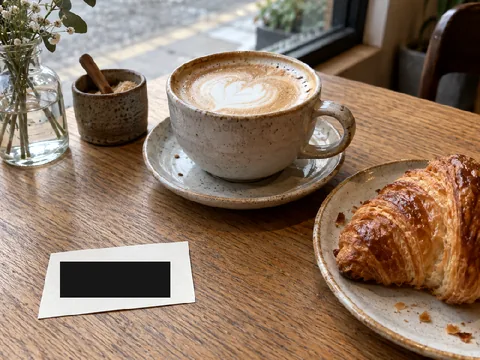
The business card or receipt in the shot, covered across the whole set before you publish.
Get a set ready to post →Add, cover, save.

One or ten. Originals stay put.
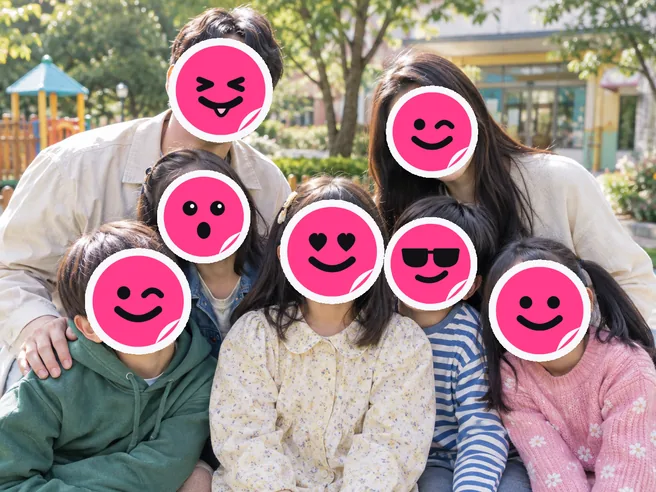
Faces get stickers, but one can slip by. Cover that, plates and names by hand.
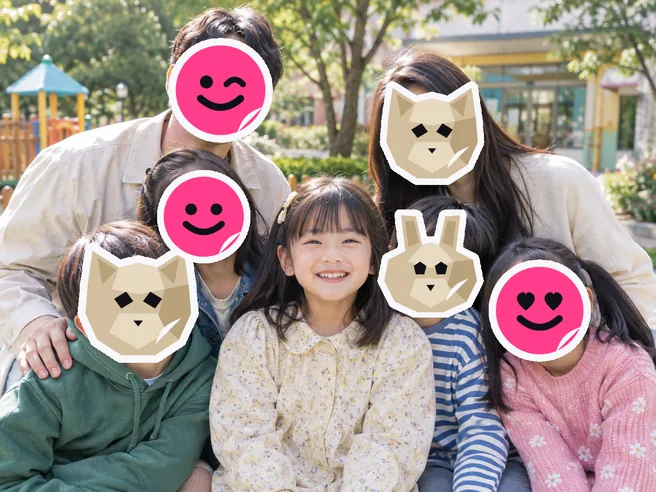
Glance over it, then save or send. Sets go out as a ZIP.
Small tools and guides around covering.
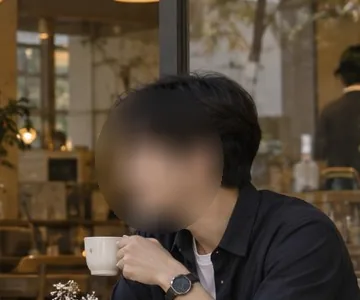
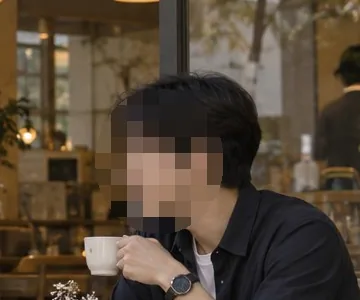 MosaicOutline shows
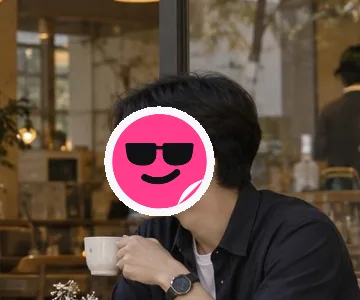
 BlurShape shows
 StickerNothing shows
Stickered areas are saved as opaque pixels. Faces or clues you missed can still remain, so check the whole photo. For numbers and addresses, use a solid cover, not blur.
What leaves your device? →Photos picked directly in the editor are covered and checked for faces on your device. Do not use the share menu of an earlier installed app; pick files in the editor instead.
Yes. Profiles and tiny faces can slip by; tap "Find smaller faces" or cover them yourself.
No. It runs in the browser. Add it to your home screen for a shortcut, then pick photos in the editor.
Normal editing of photos picked in the editor is not saved automatically, so save the result before you close the tab.
Yes, a small one in a corner by default. You can take it off for free on the result screen.
 Cover a photo
Last updated:
